
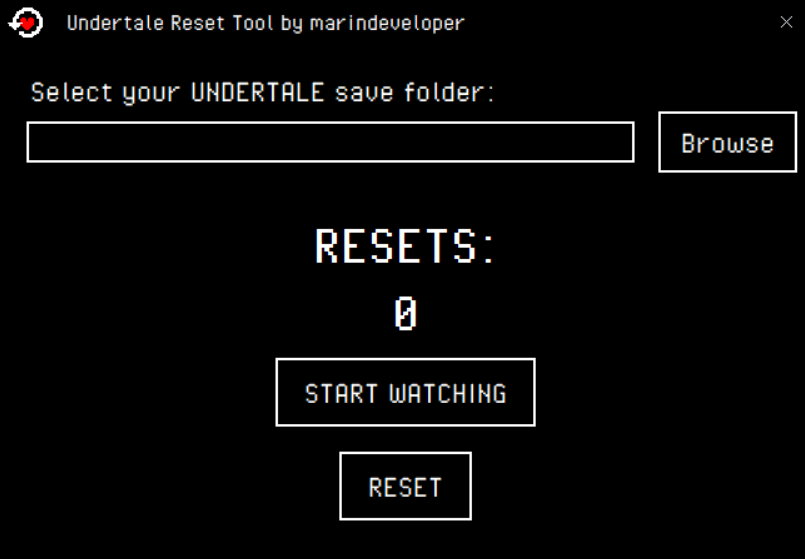
Auto-Detection: Automatically increments the counter when save files are deleted and recreated.
True Reset Button: Clears all Undertale save data (file0, file9, undertale.ini, etc.) with one click.
Global Keybind: Edit settings.json to change it, restart app after changing (for example you can replace "F5" with "ctrl+shift+r").
Persistent Folder Path: Save folder path now remembers itself so you don't have to re-enter it every time.
Undertale Aesthetic: Custom UI inspired by the game's style.
Customizable: Change your save folder at any time using the "BROWSE" button.
* "That's the reset tool I use, I love it it's so nice"
- Active Speedrunner/Twitch Streamer who tried and used the tool
* "That's an awesome tool", "It's really great"
- Different members on the Undertale Speedrunning Community discord
* The tool was built with the speedrun community in mind and also with their feedback. One of the first people to use it and give feedback on it was FFMC, the screenshot is from his stream, so a big shoutout to him :D
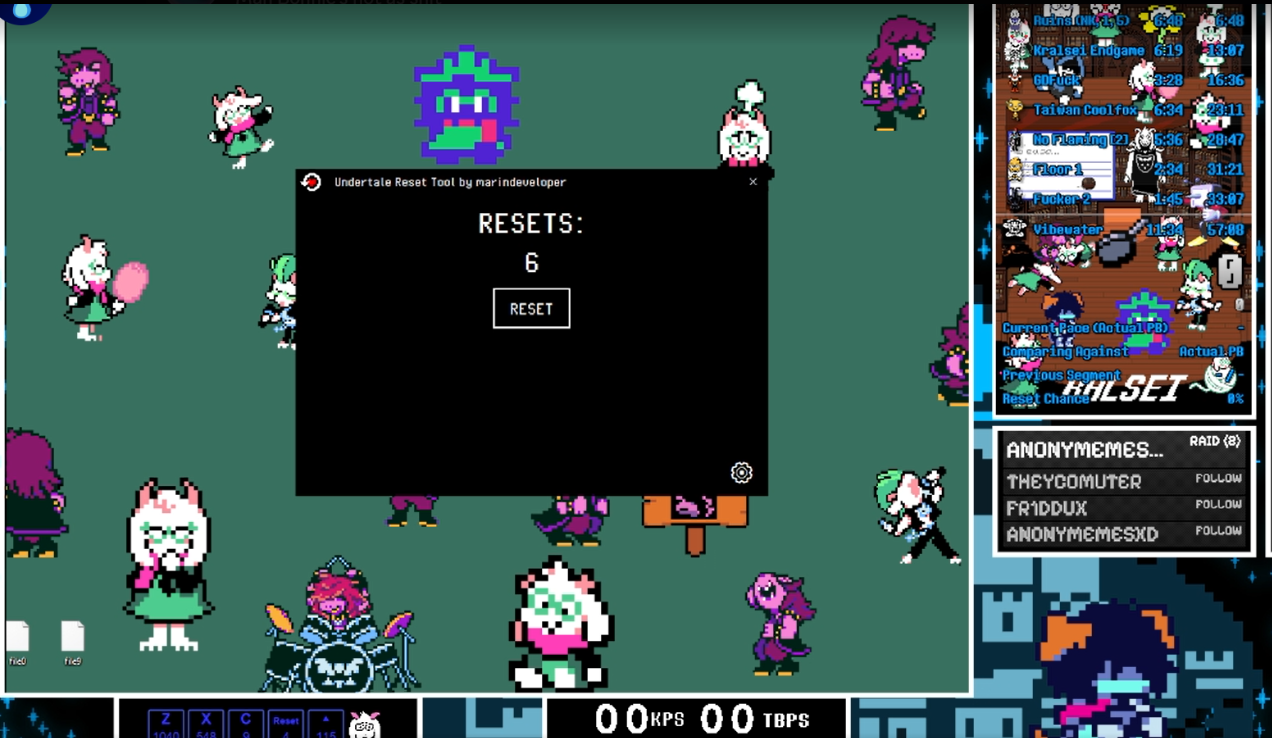
Note: In-game menu resets do not trigger the counter as they do not delete the physical files.